Setup: Anime on Android
asbplayeris a browser video player that supports uploading ofAnimeandsubtitleto be able hover over the words to useYomitan
Download and Install
-
Download your
AnimeandJP Subtitle- To get
JP subtitlesgo to Jimaku
- To get
-
(Optional) For streaming video, download asbplayer extension
Requirements
- Yomitan on Android already set-up
Setting Up
-
In your browser, go to
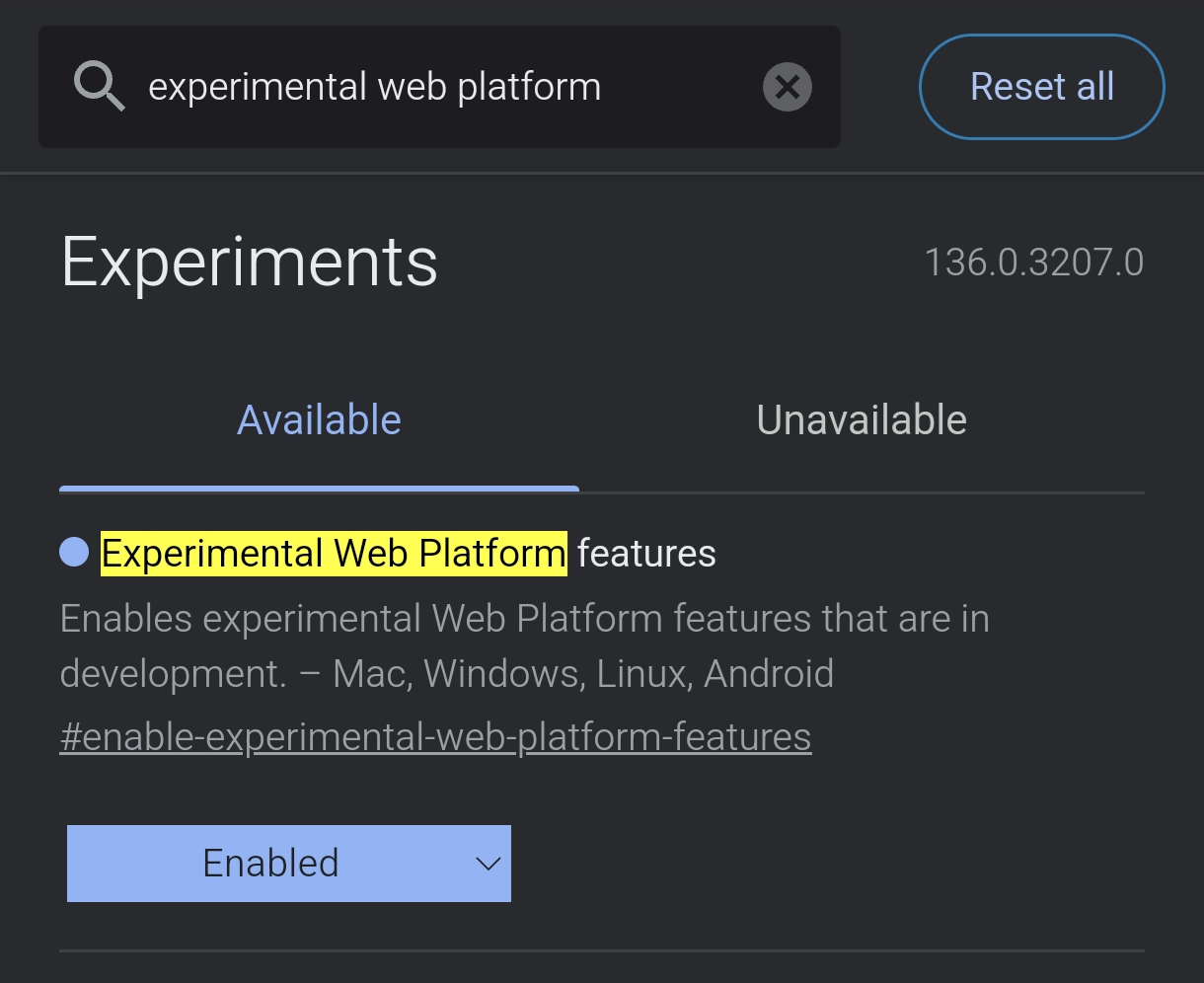
edge://flags- Search for
Experimental Web Platform features>Enabled
- Search for
-
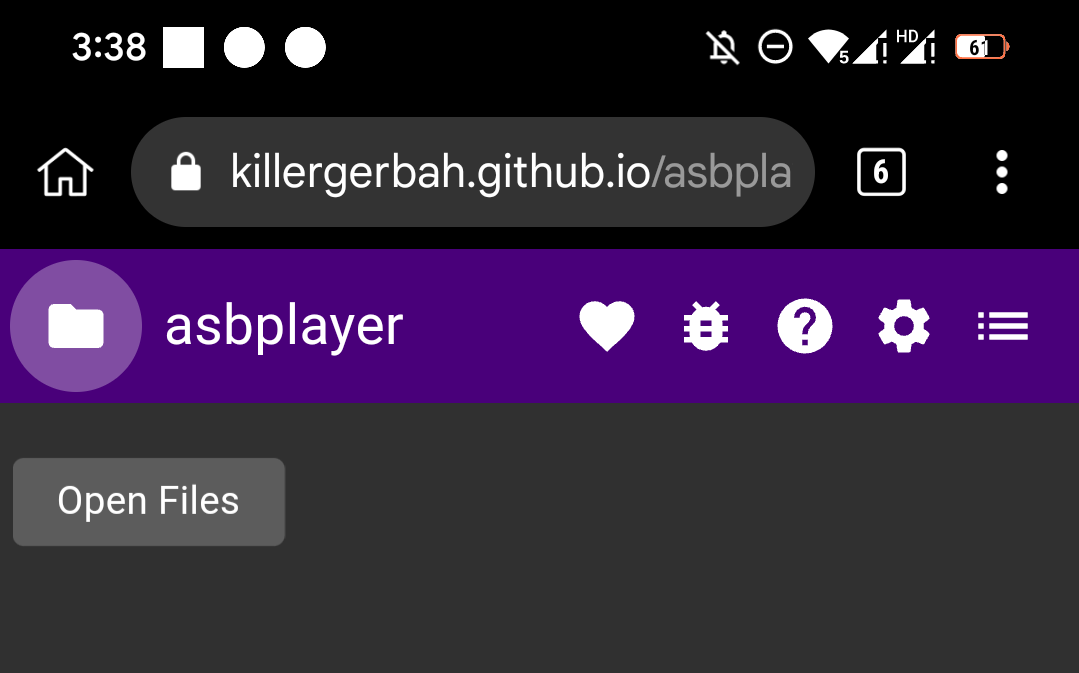
Go to asbplayer
- Ignore
request permissiontoAnkiand installing ofChrome extension
- Ignore
-
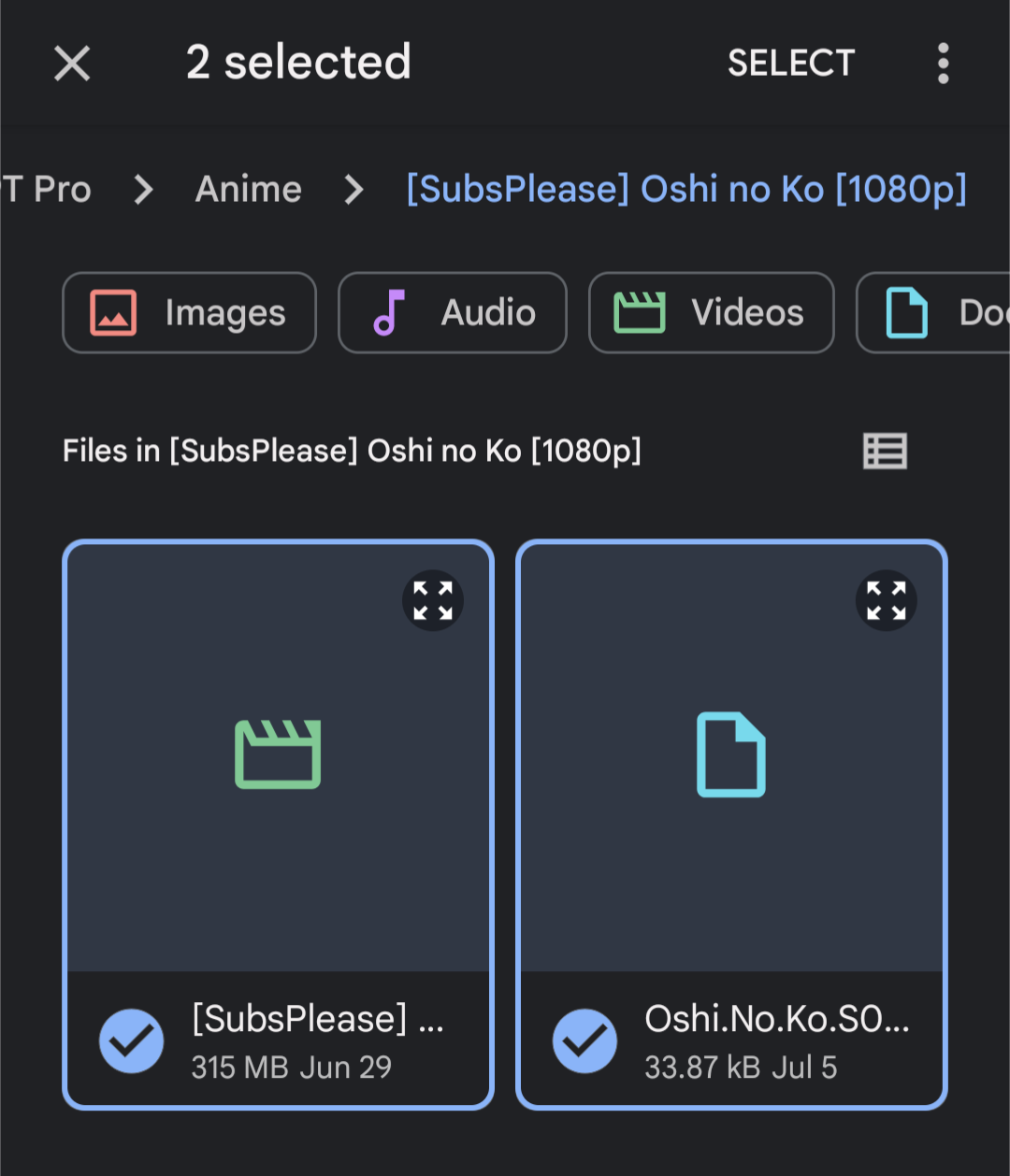
Upload your
AnimeandSubtitleto theasbplayerby clicking thefoldericon on the top left- Ignore for streaming platforms like
YoutubeorNetflix
- Ignore for streaming platforms like
-
LandscapeyourAndroidto have a proper view of theasbplayerand click the button on the top-right tofull-screen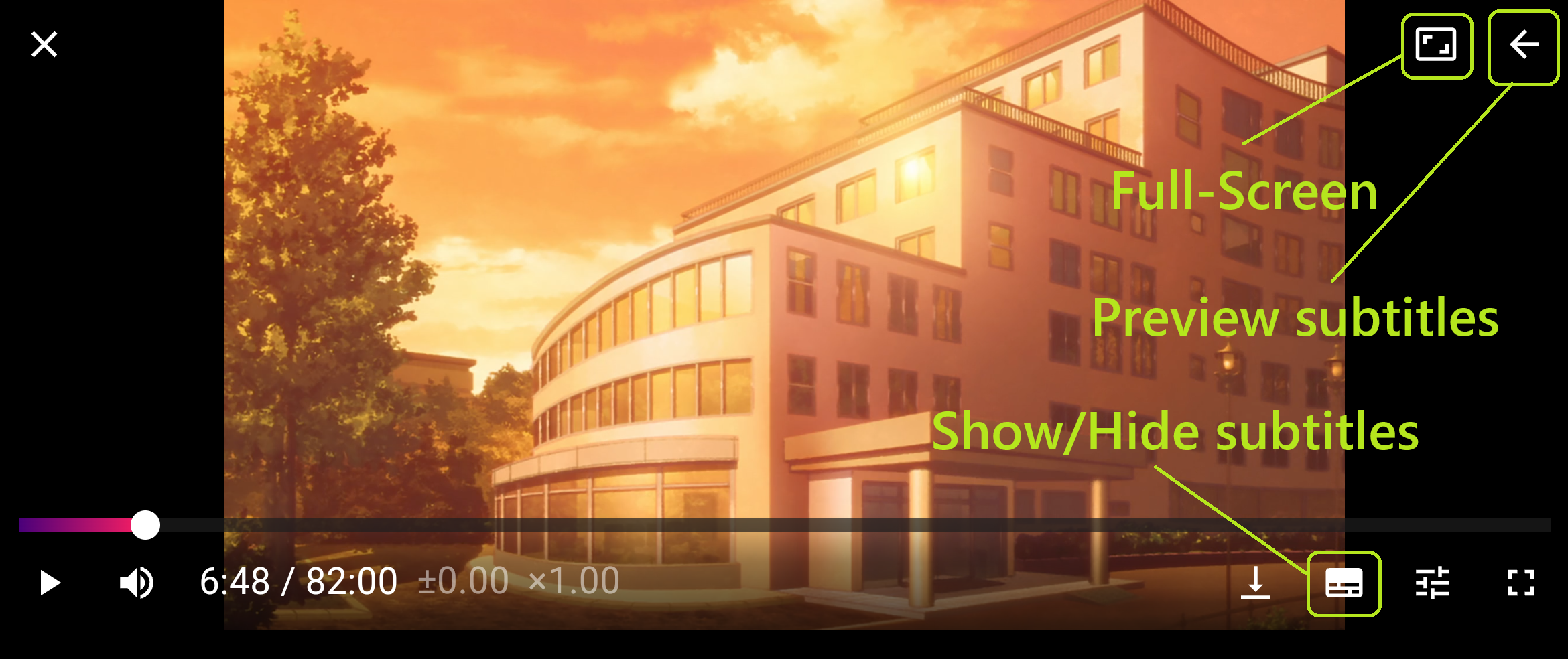
-
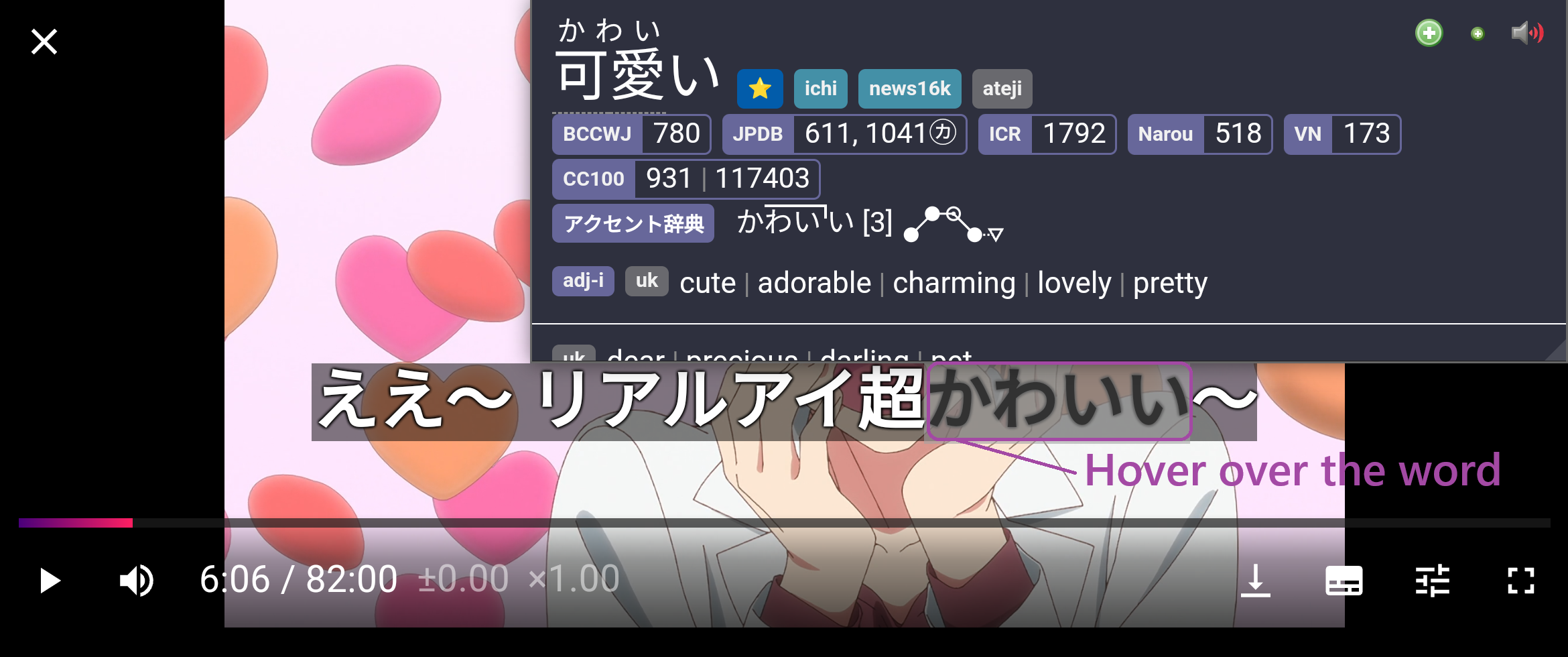
You can now mine with
Yomitanby hovering over the words on the subtitle- See Anime Mining Demo (For PC)
- Unfortunately, to get
Picture,screenshotmanually and upload it to your card details inAnkidroid
Wow! Setting up the Mining tools is finally done, how about checking Sub Guide?
If you have any problems check FAQs
Extra Info and Tips
Info 1: Anime Mining Demo (For PC)
Anime Mining Demo (click here)
- Outdated; you use asbplayer's hotkey(
Ctrl + Shift + U) instead ofShareXhotkeys to automatically get bothscreenshotandaudio
Tip 1: Synchronizing Subtitle
Synchronizing Subtitle (click here)
Depending on the source of your Anime, the Subtitle could be out of sync, to remedy that problem:
-
+100ms -
CTRL + SHIFT + LEFT ARROW KEY -
-100ms -
CTRL + SHIFT + RIGHT ARROW KEY
Tip 2: Skip Audio Recording when Mining
Skip Audio Recording when Mining (click here)
-
You can skip the audio recording when mining as it is time consuming
-
If you also manage to do your Anki Cards below 5s each, you will barely hear the recorded Audio
FAQs
Question 1: How to use Monolingual Setup on Android?
How to use Monolingual Setup on Android? (click here)
-
Go to your
Yomitansettings >Dictionary> Enableall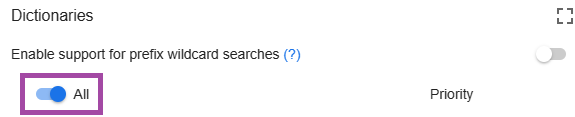
Question 2: Why Enable Experimental Web Platform features?
Why Enable Experimental Web Platform features? (click here)
- Some
Animehave multipleaudio sourcessuch asenandjp, by enabling this we can pickjpsource if it's not the default
Question 3: Why Ignore Request Permission to Anki?
Why Ignore Request Permission to Anki? (click here)
- Because we are using the normal method where we can use the full features of
AnkiandYomitansetup
Question 4: Why not install the Chrome Extension?
Why not install the Chrome Extension? (click here)
- Same as
Question 3,asbplayerhas a built-inAnkisupport that lacks the feature of our ownAnkiandYomitansupport